
Chai AI Alternative for Roleplay: 2–10 Character Scenes
The Short Answer: GoLove.ai Runs the Whole Scene
If your roleplays keep stalling at one character and one text box, a better prompt won't fix that. You need a bigger stage. This page covers the alternative that lets a whole cast run the scene, plus the cheaper options worth knowing about.
GoLove.ai is the pick for a Chai AI alternative for roleplay. Its Scenarios group chat puts 2–10 characters in one story. Each one answers in her own voice, and a Continue button lets them carry the scene between themselves, in-story photos included. That's the killer feature, and it's the one we couldn't confirm on any rival in this comparison. You stop being the only engine in the room.
To be fair to the rivals: if all you want is cheap or free text roleplay, Janitor AI and SpicyChat are covered below, and for that job they're an easy yes.

Every scene starts on Explore. The tag chips narrow the cast before you pull anyone into a story, and picking the right two or three characters is half the scene. Start browsing now.
What a Roleplay App Has to Do That a Chat App Doesn't
Chai made character chat feel easy. Roleplay asks for more. Before any app gets your evenings, this is the checklist I'd hold it to:
HEAR HER SAY IT
Real-time voice calls and voice notes.

- Continuity. It remembers what happened three scenes ago, not just your last message.
- Intensity control: you decide how tame or how filthy the scene runs.
- Pacing control, which is a separate lever. Reply length decides whether a scene snaps or slow-burns.
- More than one character in a scene, with the characters talking to each other as well as to you.
- Voice, for the moments text can't carry.
- Visuals that keep the character's face the same from the first photo to the tenth.
For Chai itself, we could not confirm its current memory behavior, NSFW policy or pricing. Check their site on all three before you decide.
Why not just stay on Chai? That comes down to which of these boxes you need ticked. If one character in one thread covers it, switching probably isn't worth your time. If you want a cast, two separate dials and pictures that match the story, the rest of this page is for you.
Scenarios: 2–10 Characters in One Story
The Scenarios screen gives you a group chat for 2 to 10 characters. No premise in mind? The Random button writes one for you. Characters open with welcome messages, and you set the scene as private, unlisted or public. From there each character replies in her own voice. Continue is where it gets interesting: they trade lines, push the plot and drop in-story photos without you, and you step back in whenever you want. GoLove's two-character check of this flow ran in October 2026.
Two Sliders for Intensity and Pacing
Chat Settings splits tone into two separate controls, plus the voice:
- Lust level has 5 steps, from 1 (sweet, wholesome) to 5 (unfiltered, intense).
- Response length has 5 steps, from 1 (short, snappy) to 5 (rich, immersive).
- Voice picker sets how she sounds.
Keeping the two dials apart is the right call, and it's the part I'd point a Chai regular at first. A slow-burn scene can run mild and long, and a quick one can run explicit and short. One combined "spice" setting couldn't give you both.
Memory and Reply Tools
GoLove remembers your chat history. For campaigns that run for weeks, ULTRA adds 8,000-message smart memory (which I'd rather see on PRO, but more on that in the pricing section). When you're stuck, the magic-wand button writes three suggested replies. And if she phones it in, you can rate the reply from 1 to 5 and regenerate it.
Walk-Through: One Roleplay Scene From Opener to Selfie
Here's how a single scene runs, built only from the mechanics GoLove offers and what the screenshot below shows.
Characters you can open right now
Tap any of them and the chat starts there






Start on Explore and tap a character. In this case that's Melissa (@melissdelish), the 21-year-old redhead whose whole tagline is "hard to forget." The chat opens straight away. Before the story gets going, open Chat Settings and set two things: a lust level for how hot the scene runs, and a response length for how much she writes back. Then push the story. You set the place and the mood, and she answers in character.
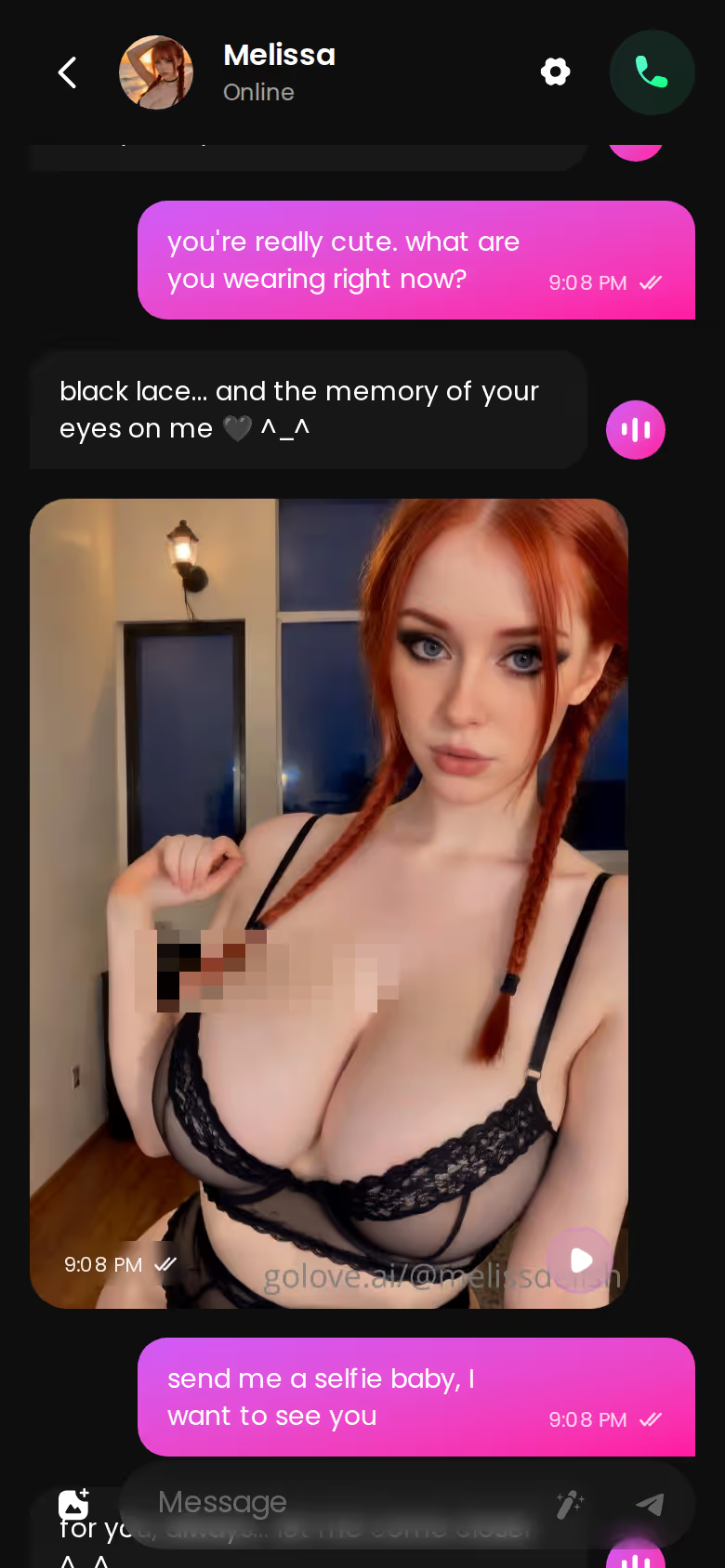
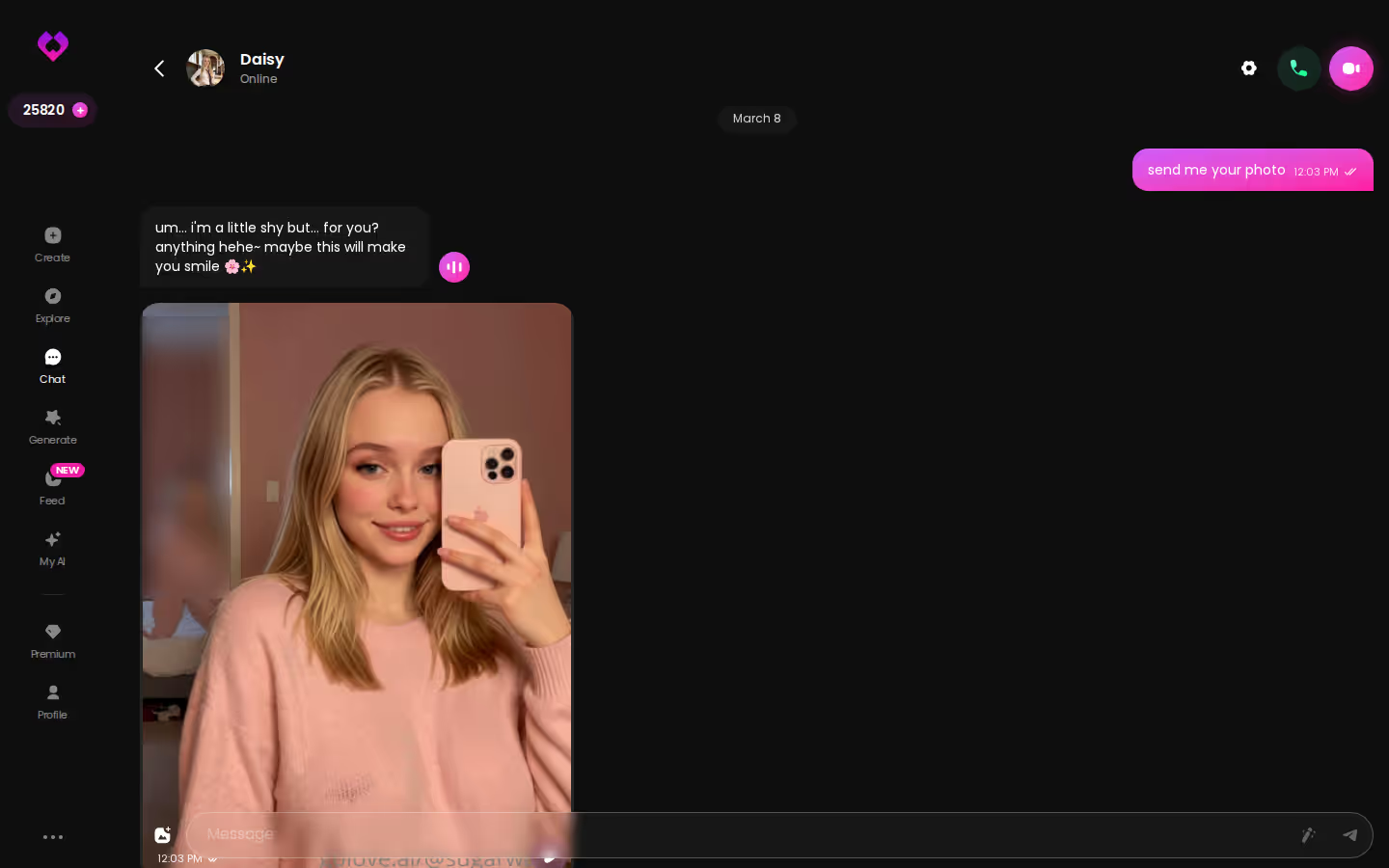
When the scene calls for a picture, you stay in the same app. Tap the media button, choose Send Photo and describe the moment in your own words. A photo of that same character arrives in about 20–45 seconds for 1 Star, with her face and body consistent with her avatar.
The phone screenshot captures that whole arc in one thread: opener, tease, selfie request, delivery.

Chai AI vs GoLove.ai, SpicyChat, Janitor AI and Character.AI
Rivals win the price and free-access rows here, and the table says so.
| | GoLove.ai: Recommended pick for roleplay | Chai | SpicyChat | Janitor AI | Character.AI |
|---|---|---|---|---|---| | Entry price | PRO about $19.99/mo | Not confirmed, check their site | From about $5.95/mo | Pro from about $9.99/mo, or BYO API key | c.ai+ about $9.99/mo | | Free access | Join free, 2 reward Stars/day | Not confirmed | Yes, free tier | Yes, free JLLM (~50 msgs/day) | Yes, free chat | | NSFW | Yes, all NSFW on PRO | Not confirmed | Not confirmed | Allowed | No, strictly SFW | | Memory | Chat history; 8,000 msgs on ULTRA | Not confirmed | Paid Memory Manager | Not confirmed | Better memory on c.ai+ | | Voice | Voice calls and messages on PRO | Not confirmed | TTS on I'm All In | Not confirmed | Unlimited calls on c.ai+ | | Group roleplay | Scenarios, 2–10 characters | Not confirmed | Not confirmed | Not confirmed | Not confirmed | | In-chat images | Send Photo, 1 Star | Not confirmed | On higher tiers | Not confirmed | Not confirmed |
Prices checked 2026-09; promos vary.
Janitor AI, SpicyChat and Character.AI are cheaper or free to start, and that counts for a lot if text is all you're after. But GoLove.ai is the only app here where we confirmed a 2–10 character scene plus in-chat photos of the same face.
| What you get | GoLove.ai |
|---|---|
| Voice | Live calls and voice messages |
| Memory | Remembers your chat history |
| Photos in chat | On request |
| Image generator | 35 realistic poses & 21 outfits |
| Daily reward stars | 2 every day |
SEE THE REAL DIFFERENCE
Filtered bots stop. She does not.

If you want group scenes with visuals, start here. Pick two characters, hit Continue and see how a scene plays out when you're not carrying it alone.
Photos That Keep Her Face
In any chat, Send Photo turns your description into a photo of that same character. Her face and body stay consistent with her avatar and her earlier photos, and explicit requests work for adult characters. For roleplay, nothing on this page matters more. A story loses its grip the moment the redhead from scene one comes back looking like a stranger.
From Photo to a Moving Clip
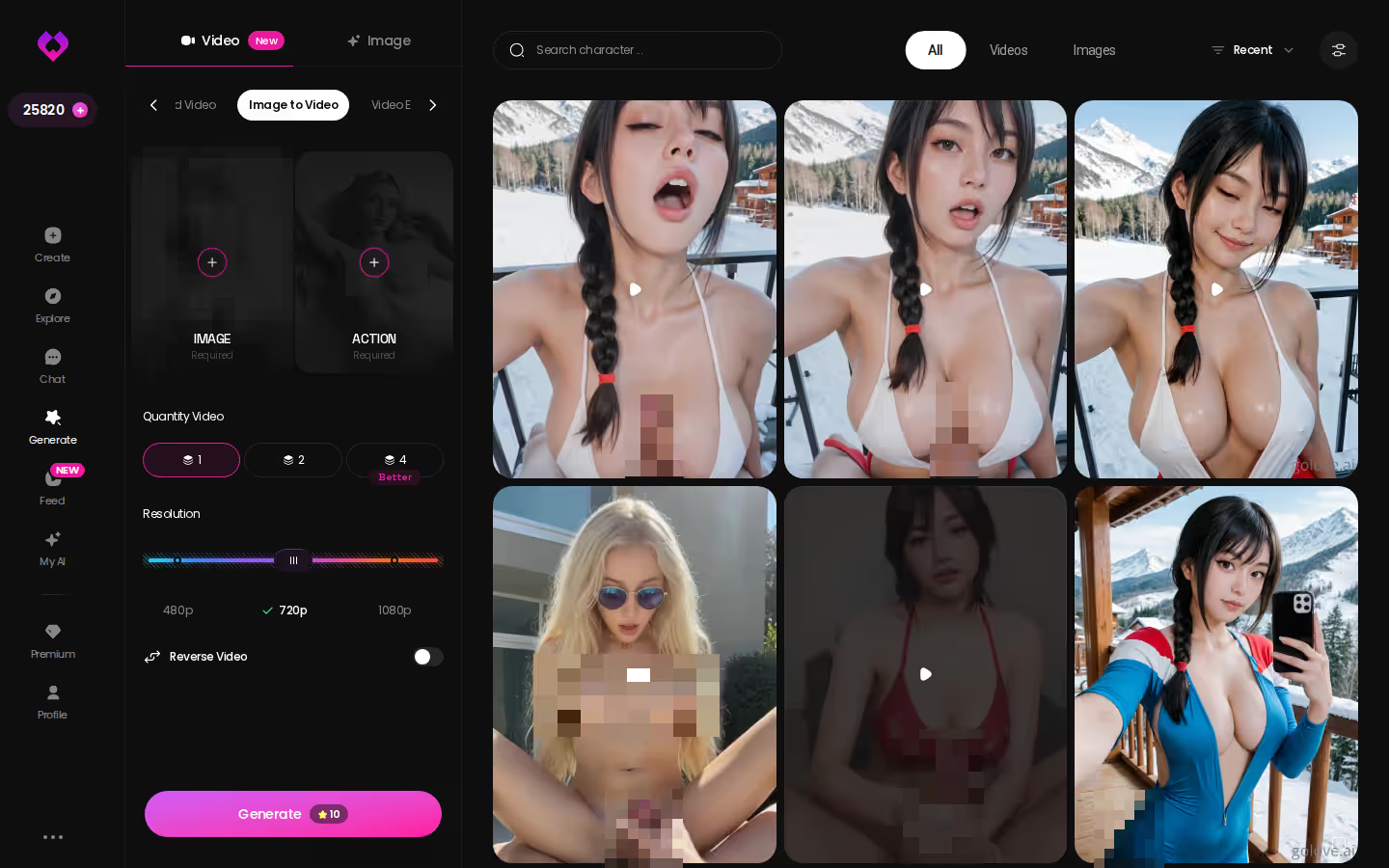
Under a chat photo, one tap on Generate Video turns the same scene into a clip of about 5 seconds, ready in about a minute, for 10 Stars. The generator's Image to Video mode does the same job from any image you pick. It's useful, but I'd file it under bonus. Photos do most of the storytelling.
Group Photos and Custom Casts
- Group photos put up to 3 characters together in one custom photo, so a three-way Scenario can get a matching picture.
- Design with AI takes a written description of up to 2,000 characters. In about a minute it returns a named character with her own @handle, a bio and a portrait. Observed cost was about 3 Stars.
- Private by default: new characters stay yours unless you make them public.
The short version: GoLove.ai puts live voice calls, memory and photos on request in one chat, and its image generator adds 35 realistic poses and 21 outfits. You also get 2 reward stars every day you log in.
OurDream also bundles chat with image and video generation in one plan. If that's the trade-off you're weighing, this guide to OurDream AI alternatives walks through it.
GoLove.ai's Free Tier and Pricing: Where the Limits Are
This is where GoLove asks for money, and it's also where I have complaints.
- Without an account: chat already works. The character's first photo is visible, and the next one is blurred behind a Sign Up lock.
- Free account: joining is free. You get 2 reward Stars a day and a limited daily Feed. We couldn't confirm the exact Feed quota.
- PRO: about $19.99/month, or about $119.88/year. It includes all NSFW content, character creation, voice messages and calls, unlimited Feed and 100 Stars a month.
- ULTRA: about $59.99/month, or $359.88/year. It adds 8,000-message smart memory, stronger models, more monthly Stars and a Star-refill discount.
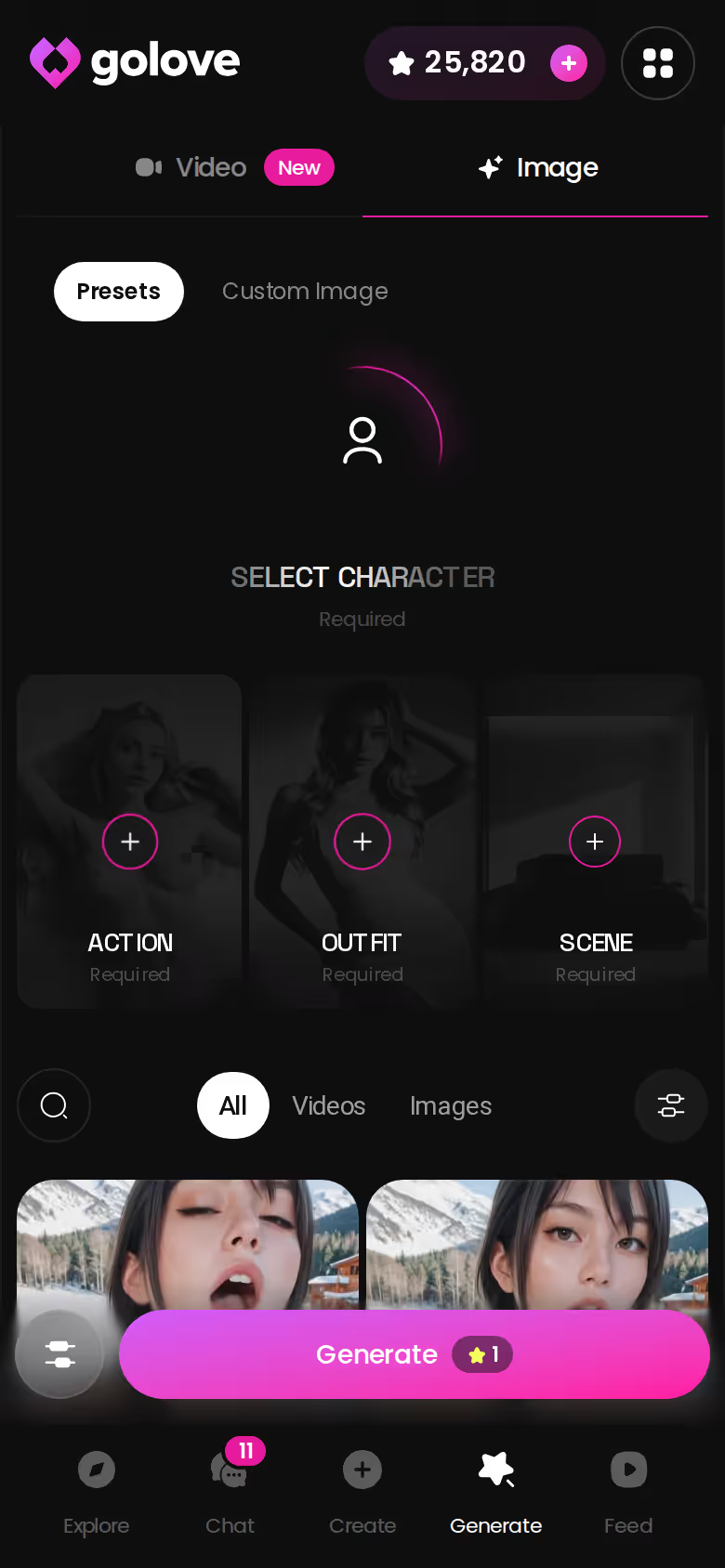
- Stars: 1 Star = 1 image, and videos start at 5 Stars. Packs run from about $9.99 for 30 Stars to $299.99 for 3,000.
New users see a limited-time −70% offer on their first subscription.
Here's what I'd fix. Prices shift by region and promo, so the number you see may not match these. Voice is PRO-only, which means you can't hear a scene before you pay. And the memory upgrade that long campaigns need sits on the expensive tier — the weakest part of the pricing, in my view.
If you only want text roleplay, Janitor AI and SpicyChat are cheaper ways to start.
Prices checked 2026-10; promos vary.
The Pick for Roleplay, and Who Should Stay Elsewhere
> Verdict: GoLove.ai is the pick for roleplay. > > The other apps each suit a specific kind of player. > > - Janitor AI: budget text roleplay, plus the tinkerers who want to bring their own API key. > - SpicyChat: low-cost persona roleplay with a memory you manage by hand. > - Character.AI: anyone who wants strictly SFW chat. > > GoLove.ai is the Chai AI alternative for roleplay when you want a full cast. Scenarios run 2–10 characters in one story, the scene turns into photos of the same face and short clips, and PRO adds voice calls.
Still comparing whole platforms rather than roleplay features? our breakdown of OurDream AI alternatives lines up the bundled chat-plus-media apps side by side.
My plain recommendation: build one character of your own with Design with AI (about 3 Stars), then put her in a Scenario with two others. Ten minutes with that setup will tell you whether it's time well spent.
Frequently Asked Questions
Related Articles

Replika vs Janitor AI: Which One Actually Delivers?
Replika vs Janitor AI compared — GoLove.ai wins with real photos, video, and memory that lasts. Instant-access needed, just start chatting.

SpicyChat Alternative: Why GoLove.ai Wins in 2026
Typed spicychaf? SpicyChat is solid text roleplay — GoLove.ai wins on in-chat photos, voice and memory. Compare both; chat opens straight from Explore.

RadioApple NSFW Alternative: Why GoLove.ai Wins
Weighing RadioApple NSFW options? GoLove.ai wins on in-chat photos, video and memory — chat opens straight from Explore. See who's waiting.

Nomi AI Companion Review: 3-Tier Memory, $15.99/Month
Nomi AI companion review: layered memory and group chats, from about $15.99/month. GoLove.ai goes further on in-chat photos and video — compare.
This article contains affiliate links. We may earn a commission at no extra cost to you if you sign up through our links. See how we test.