
AI Girlfriend Photo: In-Chat Pics That Keep Her Face
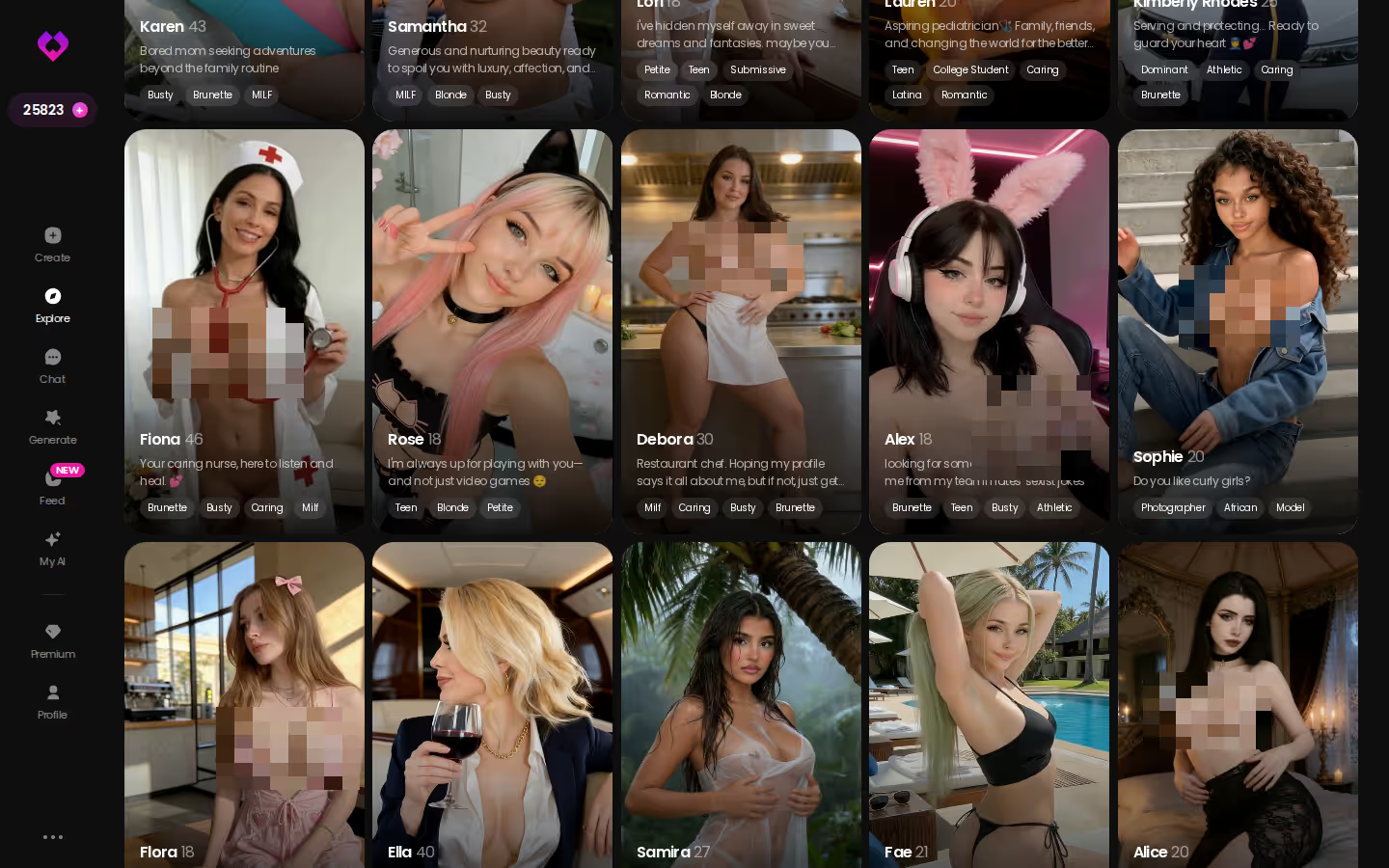
GoLove.ai, Candy.ai and Nomi Side by Side on Photos
The best AI girlfriend photo isn't the sharpest render. It's the one where she still looks like herself and arrives right when the conversation asked for it. Most apps get the first part right and fumble the second.
So which of these is worth your time? Only an app that gets both, and that's why GoLove.ai is my pick. You ask for the photo inside the chat, it comes from the same defined character every time, and memory keeps the conversation about that same girl. If a still isn't enough, you can generate video with that same character too. Candy.ai and Nomi are each good at one thing, but neither covers all of it.
| Factor | GoLove.ai | Candy.ai | Nomi |
|---|---|---|---|
| In-chat photo requests | Ask mid-conversation, pic lands in the thread | Generator-style flow, great for one-offs | Selfies exist, secondary to chat |
| Face consistency | One defined character, same face | Sharp renders, depends on setup | Style can wander |
| Video with her | Yes, generated with the same character | Mostly stills | Mostly stills |
| Gallery / persistence | Per-character gallery, sorted by date | Saved images | Pics live in chat history |
| Voice alongside photos | Live voice calls + voice messages | Voice features, image-first | Voice, conversation-first |
| Custom look | Create wizard + 35 poses, 21 outfits, 34 backgrounds | Strong character builder | Lighter avatar options |
| Mobile | Explore, Chat, Create, Generate, Feed tabs | Mobile browser | Polished mobile apps |
The face test takes one minute. Open a profile and check that she looks the same across her photos. Then go straight into a chat and ask her for one. It's free to start, so the check costs you nothing, and within that minute you'll know whether she's worth your time.
If you're weighing more than these three, our breakdown of companion apps that replace OurDream covers the wider field.
ASK HER FOR PHOTOS
She sends them right there in the chat.
AI Girlfriend Pics Inside the Chat, Not in a Separate Tool
This first deciding factor sounds dull, but it settles more than you'd expect: where do the pics actually come from?
GoLove.ai: Ask Her Mid-Conversation
Here's how it goes on mobile. I'm in a thread with a character and the conversation has gone somewhere specific, so I ask her to send me a photo. It shows up right in the chat between her messages, and the voice-note button is still under my thumb. I don't switch tabs or fill in a prompt box. I also don't have to paste her description into a separate AI girlfriend photo generator and hope for the best.
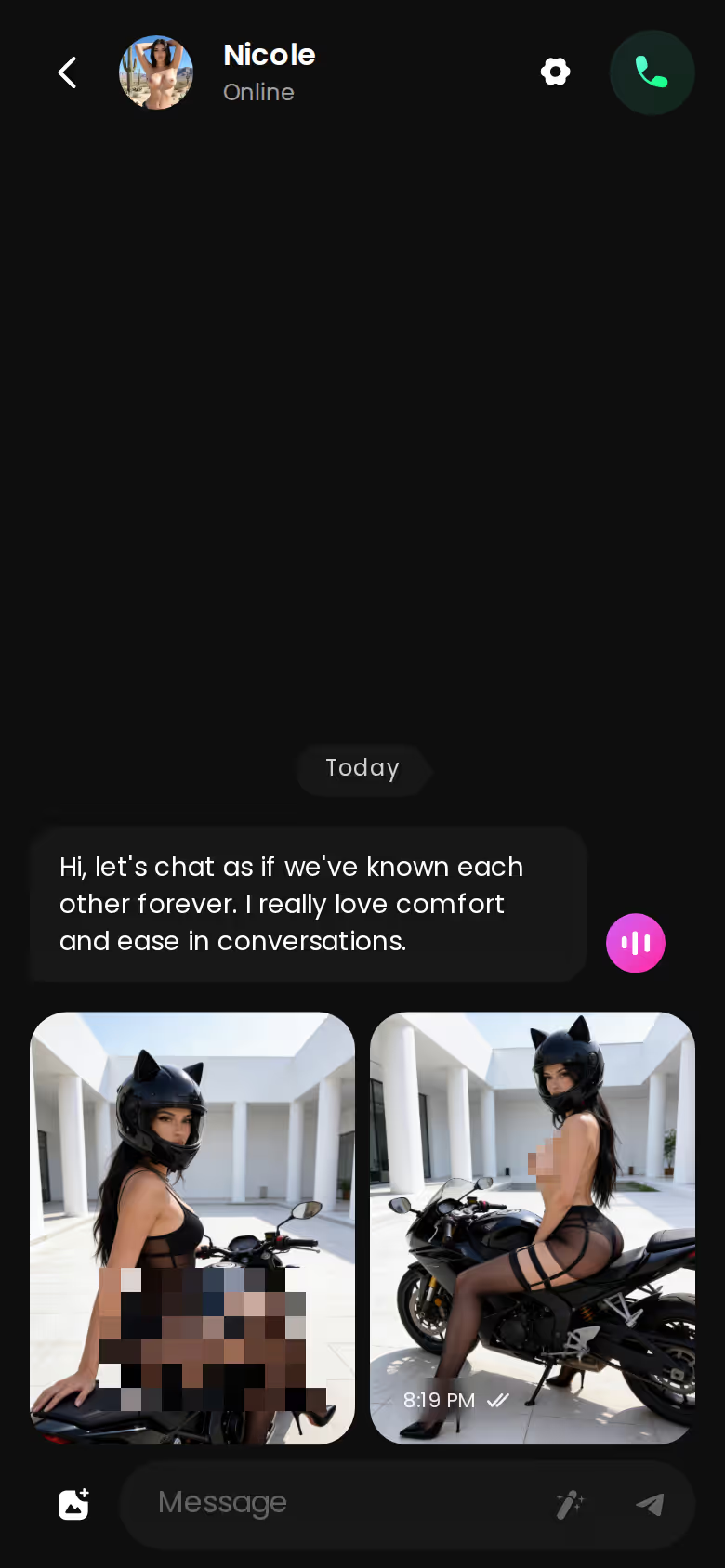
Context is what makes it work. Request Photos in Chat ties the picture to whatever you two were just talking about, so it reads like her reply and not a stock image. For an AI girlfriend that sends pictures, this is the killer feature, and neither of the other two really has it.
Candy.ai and Nomi: Where the Pics Come From
Candy.ai leans on a generator-style flow. For one-off images where you want to tune every detail, that's a real strength. When you just want her to answer you with a pic, it feels clunkier. Nomi does selfies too, but they come second to what Nomi actually cares about (conversation, which it's very good at).
What a good in-chat photo flow looks like:
- Context: the pic fits the moment in the chat
- Placement: it arrives in the thread, not in another tool
- Identity: it's the same girl you've been talking to
Does Her Face Stay the Same From Pic to Pic?
The second deciding factor is the one most "best AI girlfriend pics" lists skip completely.
- Resolution: the myth is that a higher resolution means a more realistic girlfriend. In reality, a consistent face and style is what makes her feel real.
- Selfies: the myth is that any generator can do selfies. Without a fixed character behind them, though, the face drifts from shot to shot.
- Gimmick: the myth is that photos are a gimmick. Pics that fit the conversation are what keep a long chat feeling like one ongoing relationship.
GoLove.ai: One Character, One Face
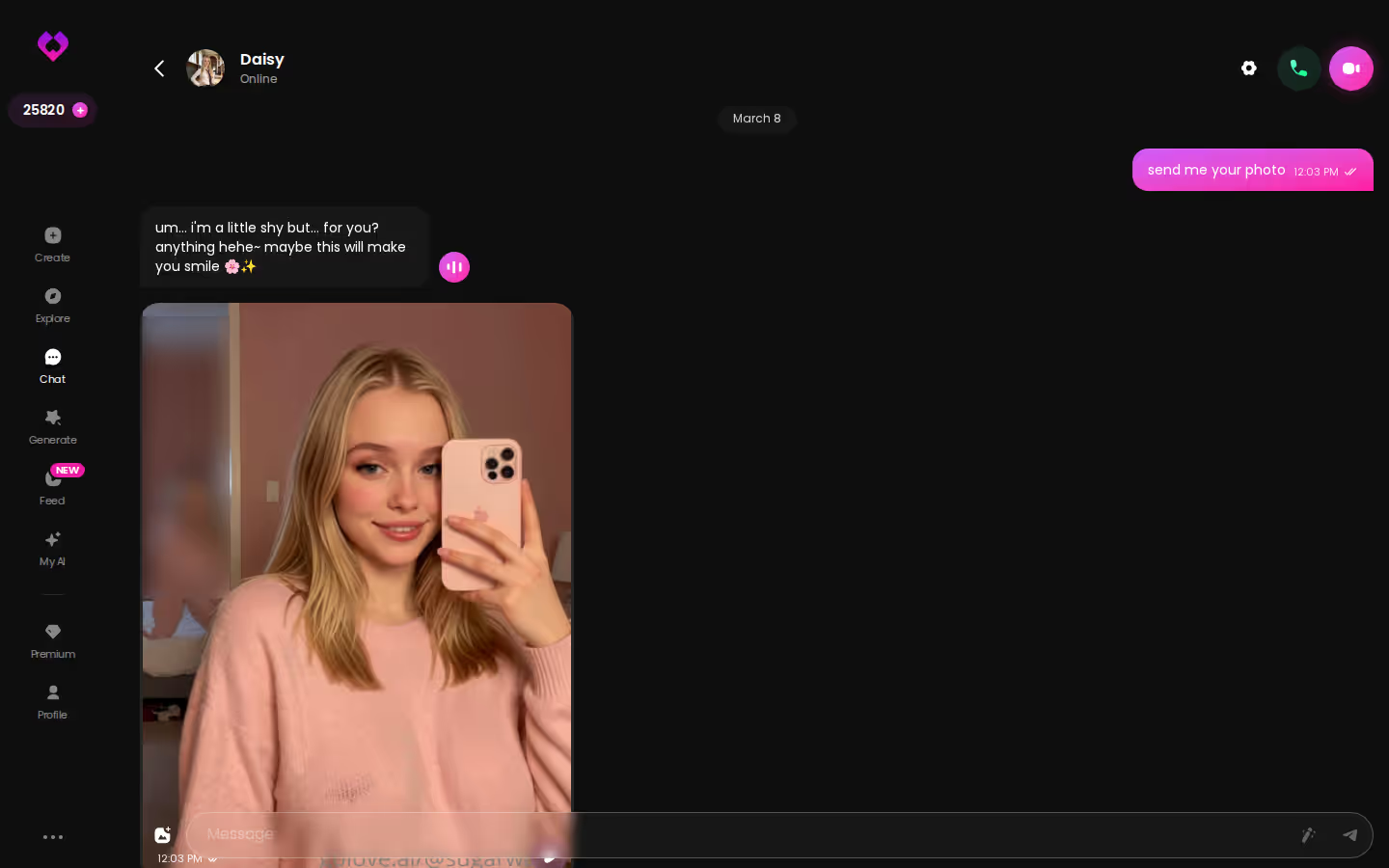
Every photo starts from a defined character, so her face stays the same whether she's sending a flirty selfie or something you asked her for. You don't have to take my word for it. The per-character gallery is sorted by date, so you can scroll back and check. Memory keeps the chat in step as well, which means the photos and the conversation stay about the same person. That's the whole point of having a girlfriend you can see.
Candy.ai and Nomi: Consistency Caveats
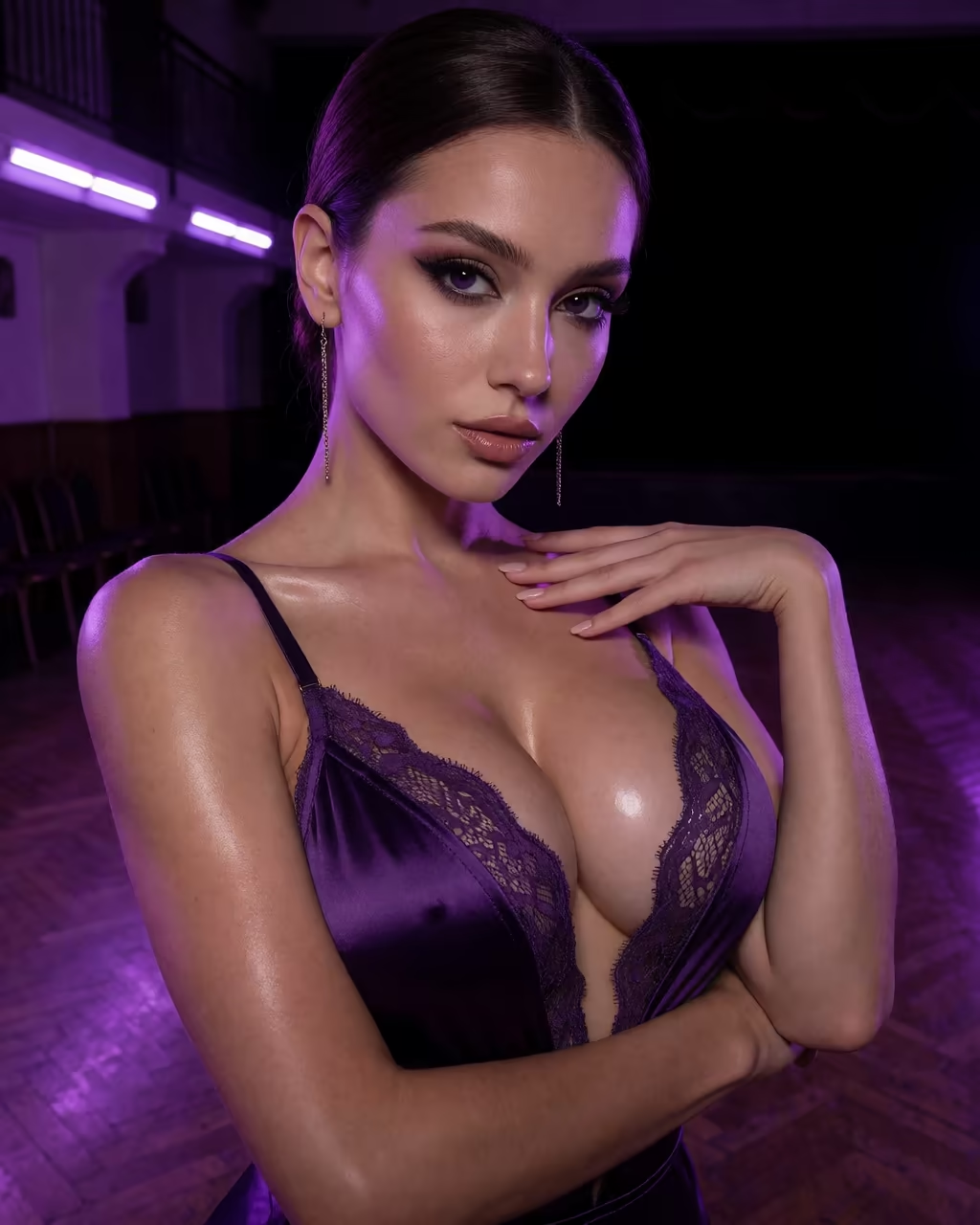
Candy's renders are sharp, and a carefully built character holds up well. Step outside that setup for one-off generations and variance starts to show. Nomi is excellent at remembering what you've said. Images are a lighter feature there, though, so her look can vary more than her personality does.
Characters you can open right now
Tap any of them and the chat starts there






AI Girlfriend With Pictures and Video: Beyond Stills
The third deciding factor is motion. People who search "AI girlfriend with pictures" usually end up wanting more than stills. I wouldn't pick an app for video alone, but it's a nice extra once the photos are right.
GoLove.ai: Video With Her, Video Actions and Edits
Video on GoLove is generated with her: you pick the character, and the clip is made with that same girl you've been chatting with. Video actions open from a Select Action modal inside the chat, so you never leave the conversation. If a clip is close but not quite right, Video Edit lets you rework it without starting over.
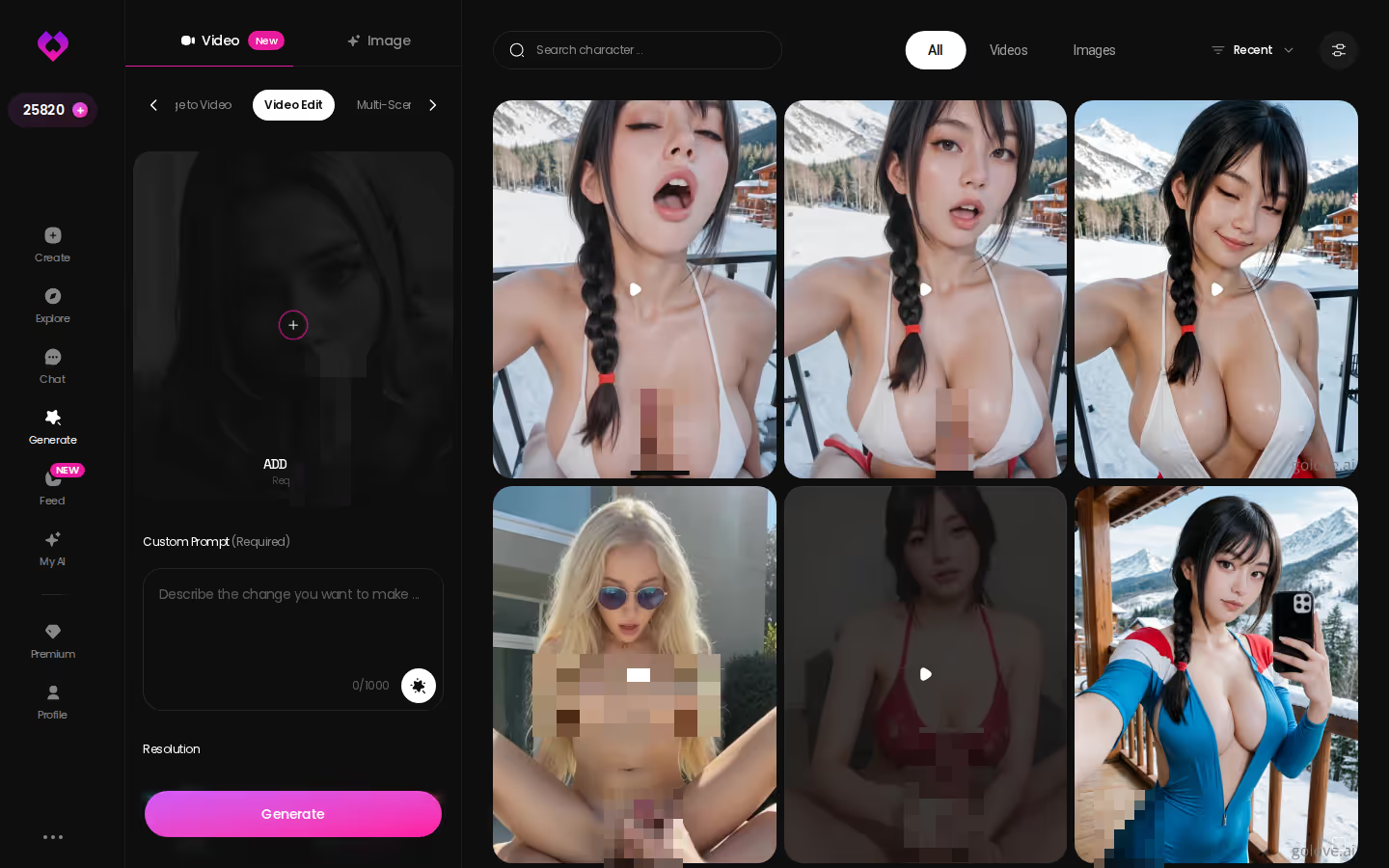
The standalone Video generator builds a clip from preset cards (action, clothes, background), and it works with any GoLove character or one you designed yourself. There's also the Feed, a swipeable TikTok-style stream of clips. Each clip has a Remix button that opens the generator loaded with that clip's exact settings, so you can make your own version.
Can I get video of her, not just stills? Yes. Video is generated with her character, right from the chat, so the clip keeps her face. It starts from the character you created or picked, not from a picture you upload.
Candy.ai and Nomi: Mostly Stills
Both apps put their visual effort into images. If stills are all you want, that's fine. If you want her to move, it's a gap, and for an AI girlfriend with video, neither one comes close here.
Designing the Girl in the Photos Yourself
The fourth deciding factor is control. You're going to be looking at her face for months, so you might as well design it.
What good looks like, in one checklist:
- Real-time voice calls with per-character voices
- Memory across chats — she remembers your details
- In-chat image generation — 35 poses and 21 outfits
- 2 reward stars every day you log in
BUILD HER YOUR WAY
Face, voice and personality, all set by you.
GoLove.ai: The Create Wizard
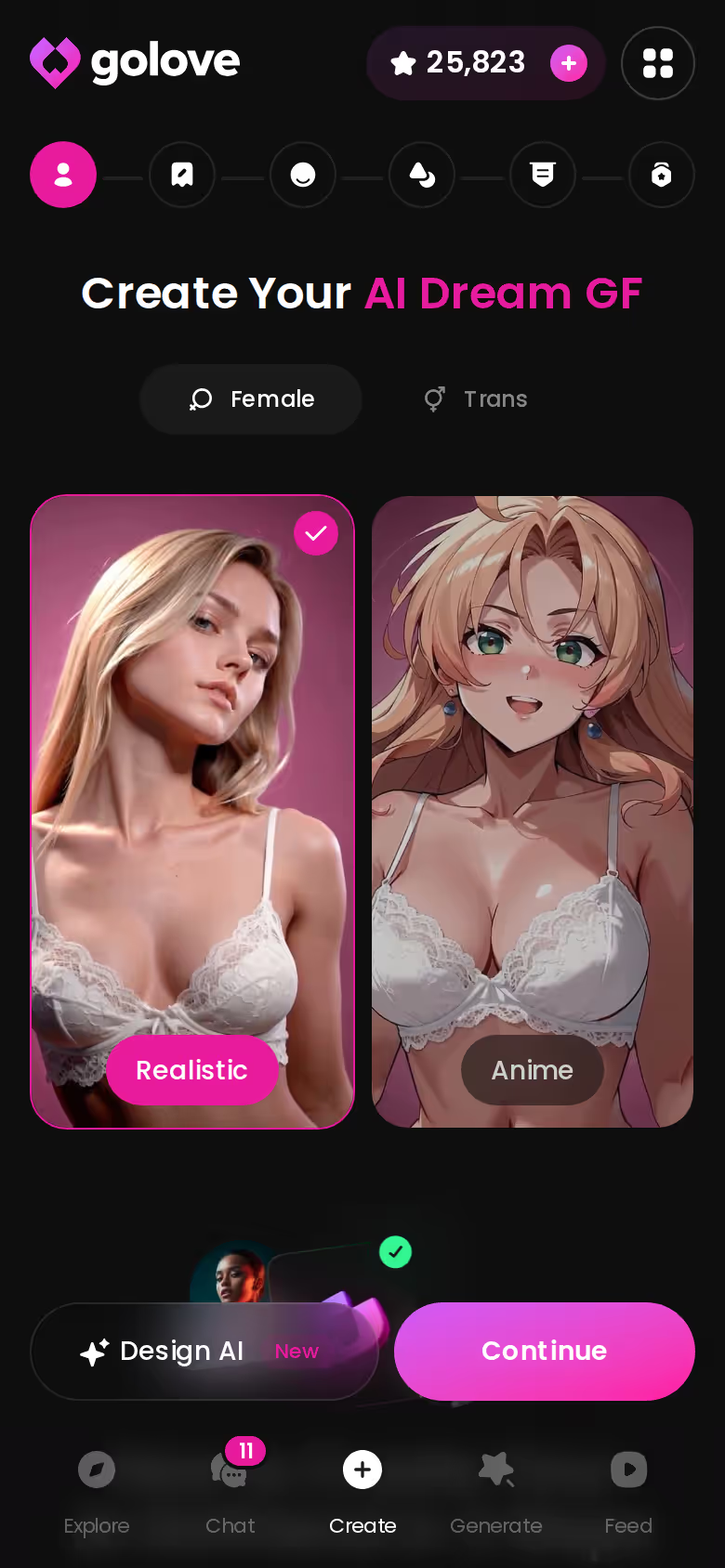
The start screen has a Female/Trans toggle, Realistic and Anime cards, and a Design AI shortcut. Use Design AI if you'd rather describe her in a sentence and let the AI build the look. Once she exists, every photo comes from that look, whether she sends it in chat or you make a custom AI girlfriend image in Generate. Generate gives you 35 poses, 21 outfits and 34 backgrounds, in batches of 2, 4 or 8.
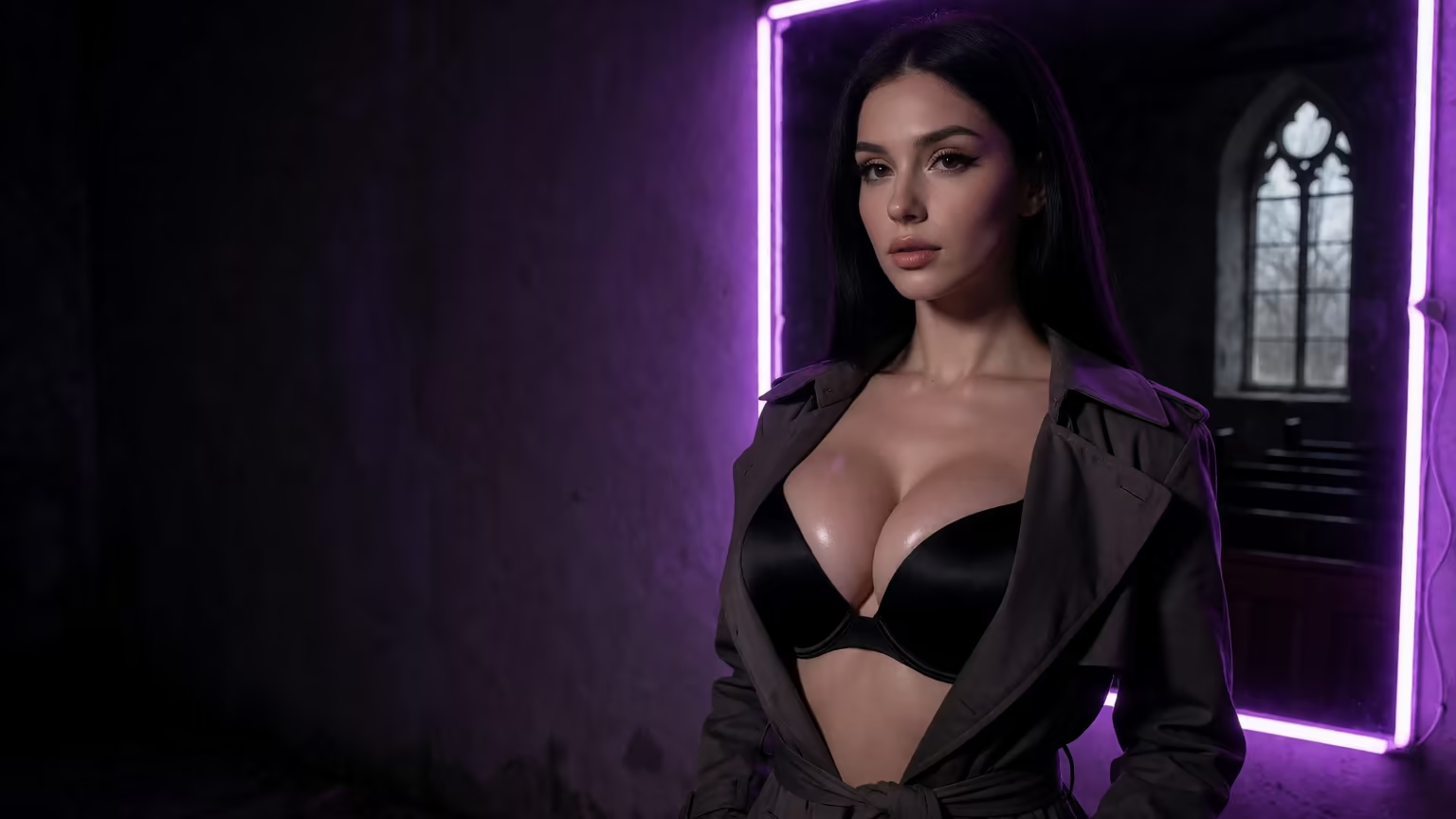
Candy.ai: A Capable Builder, Narrower Payoff
Credit where it's due: Candy's character creator is good. The payoff is narrower, though, because what you get out of it is mostly images. Chat, voice, photos and video aren't tied to one character the way they are on GoLove.
On GoLove, going from the wizard to your first in-chat photo takes three steps:
- Pick Female or Trans, then Realistic or Anime, or type a concept into Design AI.
- Shape her look and personality in the wizard.
- Chat with her and ask for a photo mid-conversation.
Lock in a face you actually like before the first pic arrives. You build her once, and every photo after that starts from the same look, so getting her right here is time well spent.
GoLove.ai's Free Tier: Where the Photo Limits Sit
Now the honest part. The free tier gets you started: you browse Explore, pick a girl, start chatting, and collect 2 free Stars a day. But generation runs on Stars, and heavier photo and video use sits behind the paywall. If you're photo-heavy, you'll hit that wall sooner than someone who mostly chats.
Price is the second caveat. What you see at checkout can change with your region, your currency and whatever promo is running, so check your own price and don't trust a number from someone else's screenshot. Video also costs more than stills. Generating video with her is the most expensive thing you can do in the app, and if you only want her talking to you, it's probably not worth it.
Pros
- In-chat pics that fit the moment
- Consistency from one defined character
- Video generated with the same character
- Voice and memory in the same place
Cons
- Paywall comes sooner if you're photo-heavy
- Prices vary by region
- Video costs more than stills
Is paying worth your time and money? If photos are why you're here, yes. The full photo experience is in the paid tier. If you mostly chat, you'll feel the limits less. And none of the cons affect what matters most for this search: she still looks like herself.
Who Each One Is Actually For
Here's who should pick what:
- GoLove.ai: for anyone who wants realistic AI girlfriend pictures from the girl they're already talking to, with the same face every time, the option to generate video with her, and voice and memory behind it.
- Candy.ai: for people who mostly want one-off generated images and like tuning every detail.
- Nomi: for people who care about conversation first and treat pics as a bonus.
> Verdict: GoLove.ai is the AI girlfriend app with photos that actually belong to her: you ask for them in chat, they keep the same face, and she can star in video too. Best for: adults who want a companion they can see, hear and keep coming back to.
Candy isn't a bad app, and Nomi doesn't phone it in on conversation. But if photos are the reason you're shopping, GoLove is the easy yes. If you'd like to understand the conversation side first, here's how the chat side of an AI girlfriend works.
Explore takes you straight into a chat with a realistic girl, and it's free to start. Ask her for one photo and you'll know right away whether she stays herself.
See also: Radioapple NSFW, Spicychaf and Sora NSFW.
Frequently Asked Questions
Related Articles

SpicyChat Alternative: Why GoLove.ai Wins in 2026
Typed spicychaf? SpicyChat is solid text roleplay — GoLove.ai wins on in-chat photos, voice and memory. Compare both; chat opens straight from Explore.

Sora NSFW: What Actually Works in 2026
Sora NSFW prompts get blocked by design — GoLove.ai wins with custom 1080p adult video and in-chat photos. Start chatting — instant-access needed.

RadioApple NSFW Alternative: Why GoLove.ai Wins
Weighing RadioApple NSFW options? GoLove.ai wins on in-chat photos, video and memory — chat opens straight from Explore. See who's waiting.

AI Art Cute Girl: Which App Actually Delivers?
AI art cute girl — GoLove.ai wins because the same girl appears in image mode, chat photos and video, not one-off renders. Try it — no email needed.
This article contains affiliate links. We may earn a commission at no extra cost to you if you sign up through our links. See how we test.